
Introduction
A sales manager asks an AI assistant why revenue fell last month. Answering requires more than a plausible explanation. The assistant needs access to sales records, a definition of revenue and context about what changed.
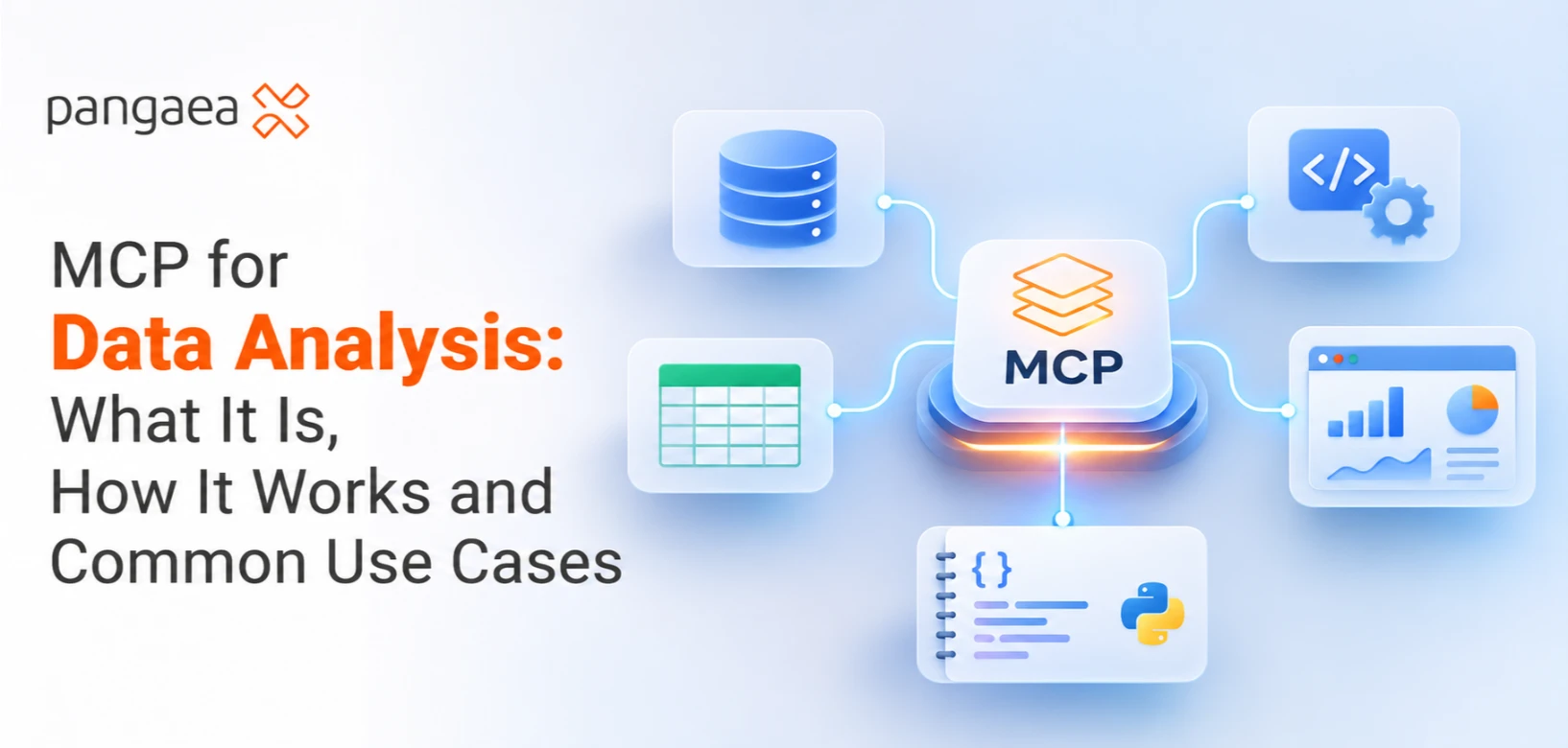
MCP, short for Model Context Protocol, provides a standard way for compatible AI applications to connect with external data sources and tools. In an analytics workflow, it can help an assistant retrieve relevant information, request calculations and use the results in its response.
Understanding where MCP fits makes it easier to identify useful applications and evaluate the answers they produce.
What Is MCP in Data Analysis?
Think of MCP as an agreed way for software to describe available capabilities and exchange requests and responses.
A database integration might offer a function that retrieves weekly sales. An AI application can discover that function, understand its required inputs and request results through MCP.
An organisation may already use AI-powered BI tools to explore performance. MCP provides a shared communication standard for compatible assistants and connected systems. Its usefulness depends on which capabilities those systems expose.
Existing APIs and database connections still have a role. An MCP server may use an API or database driver behind the scenes to fulfil a request. The protocol standardises the exchange with the AI application; the connected software performs the underlying operation.
How MCP Works: From a Question to a Tool Response
The official MCP documentation describes three participants:
| Component | Role in an analytics workflow |
| Host | The AI application the analyst uses. It manages the interaction and its MCP clients. |
| Client | The component within the host that communicates with a particular MCP server. |
| Server | A program that exposes capabilities or information, such as querying a database or retrieving documentation. |
A server can run locally or remotely. The application needs a compatible server configured for the intended data source, with appropriate credentials and permissions.
Servers can expose three kinds of capabilities:
- Tools perform operations, such as running an approved query or calculating a summary.
- Resources provide context, such as a database schema or a document defining business metrics.
- Prompts provide reusable instruction templates, such as a user-selected starting point for a sales review.
The capabilities available vary by implementation. A server does not have to provide all three.
During an analysis, the application discovers the available capabilities and makes relevant context available to the model. If the model selects a tool, the client sends the request to the server. The server runs the underlying operation and returns its result.
The application then uses that result to continue the analysis or answer the user. Permissions and approval settings determine which operations it can carry out.
A Worked Example: Investigating a Sales Decline
Consider a fictional retailer comparing two complete, consecutive four-week periods. All figures below are illustrative.
The business question is: “Which sales channel contributed most to the decline in net sales?”
Before requesting data, the analyst specifies that net sales means completed-order sales after discounts and refunds, excluding tax and delivery charges. Both periods use the same currency, timezone and refund treatment.
In this example, the MCP server exposes a read-only sales-summary tool that accepts dates and a grouping field. The assistant requests each period grouped by channel. The database performs the aggregation and returns:
| Channel | Previous period | Current period | Change |
| Online | $120,000 | $90,000 | −$30,000 |
| Stores | $80,000 | $85,000 | +$5,000 |
| Total | $200,000 | $175,000 | −$25,000 |
Total net sales fell by 12.5%. Online sales fell by $30,000, partly offset by a $5,000 increase in stores.
That identifies where the decline occurred. Explaining why requires more evidence.
The analyst could next request online order counts, average order value and refunds, provided suitable tools exist. Campaign records or stock availability might supply further context.
If online orders declined during a stock shortage, that supports a hypothesis to investigate. Establishing the shortage’s effect requires checking timing, affected products and alternative explanations.
Before recommending an action, the analyst reconciles totals with a trusted report and checks that joins have not duplicated transactions. MCP carried the requests and results; the database calculated the figures, and the analyst evaluated their meaning.
Common Use Cases for MCP in Data Analysis
Exploring databases and metric definitions
An analyst starting a project needs to understand which tables exist, what fields mean and how records relate.
A configured server can expose schema information and relevant documentation. The assistant can use that context to help locate suitable data before requesting a query. This is useful when a familiar term, such as “active customer”, has a specific business definition.
Running permitted analytical queries
A business user might ask, “Which product categories had the largest increase in returns?”
An MCP tool can retrieve the relevant summary, or execute a query where that capability is available. The result can then support a table or explanation in the host application.
The available tools and permissions determine how much flexibility the user has.
Invoking data-quality checks
A team preparing a report may need to check missing values, duplicate identifiers or unexpected changes in record counts.
MCP can expose tools that perform those checks and return findings. The validation logic lives in the connected tool or underlying system. Someone must define what counts as an error and decide how exceptions should be handled.
Preparing recurring analysis
A weekly review could combine sales summaries, inventory exceptions and campaign notes, then prepare a draft explanation for review.
This can form part of agentic analytics, where software coordinates several analytical steps. MCP supplies a way to access connected capabilities. Scheduling, retries, workflow decisions and review steps must be provided by the surrounding application.
What Makes an MCP Analysis Trustworthy?
Start with access. For an exploratory pilot, use an approved server and restrict access to the data and operations the task requires. Enforce read-only permissions in the connected system where changes are unnecessary.
Then check the data. A successful connection can still return incomplete periods, stale records or inconsistent definitions. Ask when the source was refreshed and whether the query covers the intended population.
Keep the analysis inspectable. Record the tool used, query or parameters, filters and relevant timestamps so another analyst can reproduce the result. A confident written explanation should be checked against those records.
Also review where information goes. Query results may be passed into the AI application and its model. Select the fields needed for the task and confirm that this data use fits the organisation’s requirements.
Finally, keep recommendations proportionate to the evidence. A query may reveal that two changes happened together. Deciding whether one caused the other requires additional analysis.
Start With One Well-Defined Analysis Task
Choose a question your team already answers regularly, such as weekly sales by channel. Use one data source and agree on the expected output before connecting it.
Compare the MCP-enabled workflow with an independently checked result. Assess whether it uses the correct definitions, returns matching figures and makes its steps easy to inspect. Measure time saved alongside the effort needed to review and correct its output.
These tasks require practical knowledge of data modelling, querying and business interpretation. PangaeaX connects data professionals, businesses and universities through an ecosystem supporting skill development, verification and collaboration.
For teams exploring MCP, the next step is to define the analysis clearly and identify the expertise needed to build and evaluate it. A useful first outcome is a repeatable answer that the team can explain, verify and confidently use.